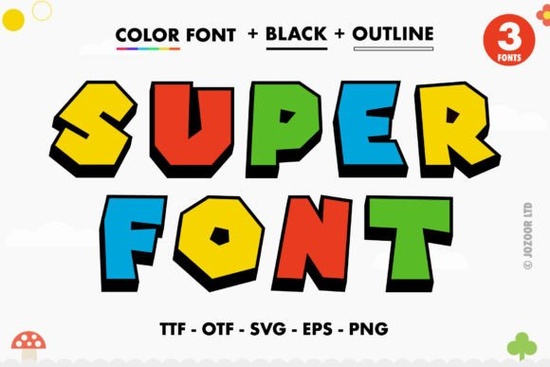
If you're looking for a playful, high-impact font that stands out in kids’ designs, party invitations, or social media graphics, Super Font is worth your attention. It’s a thick, cheerful color font with built-in swashes and alternate glyphs designed to add personality without extra design work. Unlike standard fonts, it’s an OpenType-SVG typeface, meaning colors and layered effects are embedded directly into the letters. That makes it especially handy for quick, vibrant mockups in tools like Photoshop or Illustrator.
What makes Super Font different from regular fonts?
Most fonts you download are flat black or grayscale outlines that you color manually. Super Font comes with pre-designed color fills and subtle shadows baked right in. Because it’s PUA encoded, every extra glyph (like flourishes, alternate capitals, or fun ligatures) shows up reliably in your glyph panel not buried behind obscure keyboard shortcuts. You don’t need plugins or workarounds to access them. Just open the Glyphs panel in Illustrator or Photoshop, and browse what’s available.
This also means you get consistent results across projects. If you’re making a set of birthday banners, matching stickers, or printable classroom posters, Super Font helps keep the tone cohesive and lively no extra time spent recoloring or layering shapes.
Which programs actually support it?
Super Font works well in:
- Adobe Photoshop (CC 2017 or newer)
- Adobe Illustrator (CC 2018 or newer)
- Silhouette Studio (Business Edition or Designer Edition)
- Inkscape (v1.1 or newer)
It does not work with Cricut Design Space using the OTF or TTF files those versions lack the color data needed. If you’re cutting vinyl or iron-on with a Cricut, you’ll want to convert the text to outlines first (in Illustrator or Inkscape), then ungroup and recolor manually. For more on how that works, check our Ultimate Font Guide.
Who uses this kind of font and why?
Small business owners making digital downloads often reach for color fonts like Super Font when designing ready-to-print items: baby shower invites, teacher appreciation cards, or themed party kits. Crafters building SVG bundles for Etsy appreciate how quickly it adds visual interest without needing illustration skills. And educators sometimes use it for bulletin board headers or reward certificates anything where clarity and cheerfulness matter more than subtlety.
It pairs naturally with other friendly, hand-drawn styles. For example, if you like Super Font, you might also enjoy Daisy Font, which has a softer, floral feel or Kids Name Font, designed specifically for personalized nursery art and growth charts.
How to get the most out of it
Start simple: type a short phrase, then explore the Glyphs panel. Try swapping out the first letter for a swash version, or replace a period with a star or heart glyph included in the set. Don’t overdo it two or three special characters per design usually keeps things balanced and legible.
Remember: because it’s a color font, exporting as PDF or PNG preserves the look best. If you save as EPS or older PDF formats, colors may flatten or disappear. And if you’re sharing files with clients or collaborators, include a note about the font’s requirements especially if they’ll be editing later.
You can see how Super Font appears in real project previews on Creative Fabrica, including mockups on mugs, tote bags, and digital planners. Likewise, Daisy Font and Kids Name Font show up in similar contexts great for browsing inspiration.
A quick checklist before you use it
- ✅ Confirm your software version supports OpenType-SVG fonts
- ✅ Install only the .OTF-SVG file (not the plain OTF/TTF unless you plan to outline first)
- ✅ Test a few letters in your glyph panel to locate swashes and alternates
- ✅ Avoid scaling beyond 200% in vector apps it can affect color rendering at extremes
- ✅ Save final artwork as PNG or modern PDF if color fidelity matters most
If you’ve used Super Font in a recent project, try opening the same file in two programs side-by-side say, Illustrator and Inkscape to compare how each handles the layers and transparency. Small differences happen, but both give solid, usable results for everyday creative work.
Learn More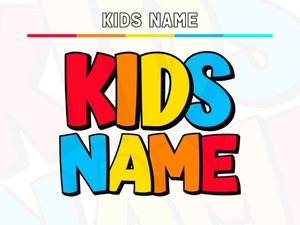 Find the Perfect Kids Name Font for Your Project
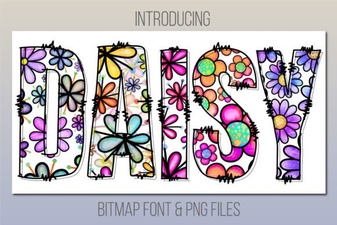 Daisy Font Design & Download Guide
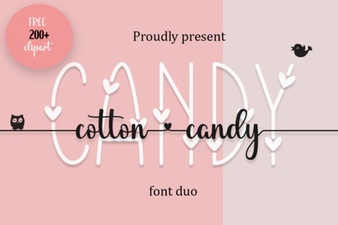 The Joy of Cotton Candy Fonts in Modern Design
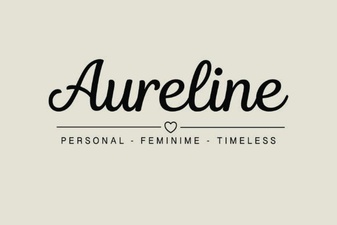 Aureline Font: Design Tips and Creative Applications
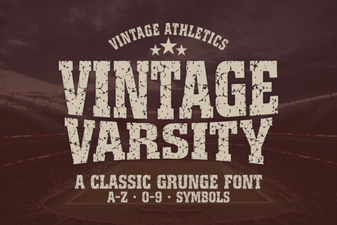 Vintage Varsity Font for Creative Lettering Projects
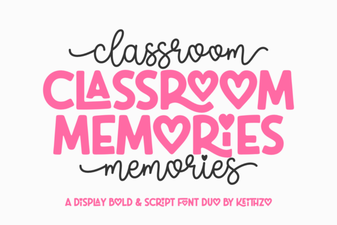 Font Ideas for Capturing Classroom Memories