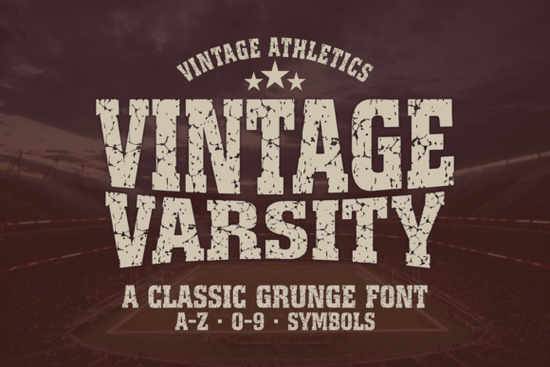
If you're designing sports-themed apparel, team banners, or vintage-inspired wall art, the Vintage Varsity Font is a straightforward choice for adding authentic, rugged energy without sacrificing readability. It’s not overly decorative or fussy just bold, slightly weathered letterforms that echo old-school college letterman jackets and gymnasium signage. That balance makes it especially useful for crafters using Cricut or Silhouette machines, print-on-demand sellers building a collegiate or fitness-themed shop, and small businesses needing consistent branding across t-shirts, stickers, and social graphics.
What makes this font work well for real projects?
Unlike some distressed fonts that blur or break down at smaller sizes, Vintage Varsity keeps its structure intact even at 24pt on a t-shirt tag or 16pt in a Canva Instagram story caption. The grunge texture is baked in but subtle enough to avoid muddying fine details during sublimation or vinyl cutting. You’ll notice it holds up cleanly in both digital mockups and physical prints, whether you’re layering it over a grainy background or placing it on a solid-color jersey.
The package includes full uppercase and lowercase sets (A–Z, 0–9, common symbols), plus multilingual support handy if you’re designing for schools or teams with bilingual communities. And because it comes in both OTF and TTF formats, installation is smooth no matter which design app you prefer: Photoshop, Illustrator, Procreate, or even free tools like Canva.
Where do people actually use it?
- Sports branding: Team logos, locker room signs, tournament posters, and custom baseball caps.
- Gym & motivational gear: “No Excuses” hoodies, weight room wall decals, or Instagram quote graphics.
- DIY and sublimation projects: Matching family matching shirts, graduation party banners, or retro-style baby onesies.
- Etsy and POD shops: Bundling with vintage sports clipart or pairing with distressed textures for cohesive product listings.
It pairs naturally with simpler sans-serifs for body text or stands alone as a headline font. For contrast, try combining it with something clean and friendly like the Helpful Person Font for event flyers, or lean into nostalgia with Jennie’s House Font for school spirit bundles. If your project has a playful side, the Cute Stickers Font balances out Vintage Varsity’s toughness in kids’ sports camps or youth league merch.
How does it compare to other athletic or retro fonts?
Vintage Varsity sits comfortably between ultra-bold display fonts (like Strawberry Font) and delicate script options it doesn’t compete with handwriting styles, but complements them. It’s also less ornate than something like Rabbit Hole Font, which leans gothic and illustrative. That makes Vintage Varsity more versatile for everyday use: think pep rallies, gym membership cards, or local rec center signage not just editorial layouts.
One practical note: because of its built-in texture, it works best when used at medium to large sizes (36pt and up for print, 48px+ for web). Avoid shrinking it below 20pt in vector workflows unless you’re intentionally going for a layered, stamped effect. Also, test spacing especially around punctuation if you’re using it for long phrases; the default kerning is optimized for short bursts like “TEAM” or “WIN.”
Who benefits most from this font?
Small business owners launching a new fitness studio or school apparel line often need fonts that feel familiar but still ownable. Vintage Varsity gives that instant recognition (“yes, this looks like a real team font”) while leaving room to add your own twist whether that’s color blocking, foil accents, or pairing with custom illustrations. Crafters appreciate how reliably it cuts on Cricut Explore or Maker machines, and POD sellers report fewer customer questions about legibility compared to more stylized alternatives.
Designers working across multiple platforms say, mocking up a t-shirt in Illustrator, then adapting the same logo for a sticker sheet in Silhouette Studio will find the consistent glyph set and file compatibility a time-saver. No reworking characters or hunting for missing symbols mid-project.
Before you download: Check your software’s font activation method (some versions of Canva require uploading via the brand kit; Procreate needs the font installed on your iPad first). And if you’re planning to use it commercially like selling printed posters or digitals on Etsy it’s already licensed for that, no extra steps needed.
Get Started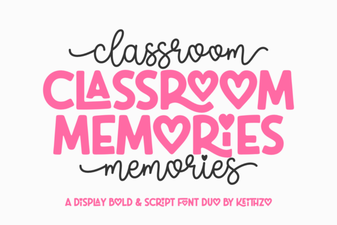 Font Ideas for Capturing Classroom Memories
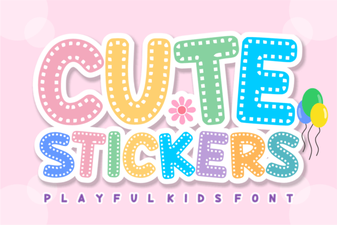 Creative Stickers Fonts for Fun Designs & Diy Crafts
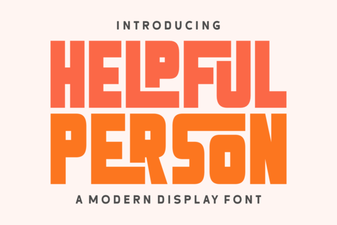 Free Download: the Helpful Person Font for Your Designs
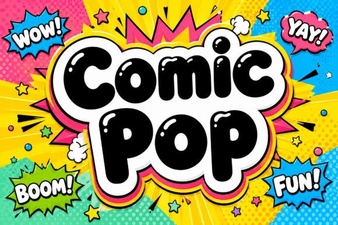 Creative Comic Pop Fonts for Design Projects
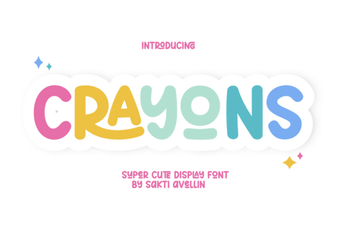 Crayons Font: Creative Ideas & Design Uses
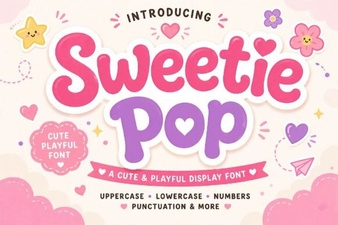 Sweetie Pop Font Projects and Free Download