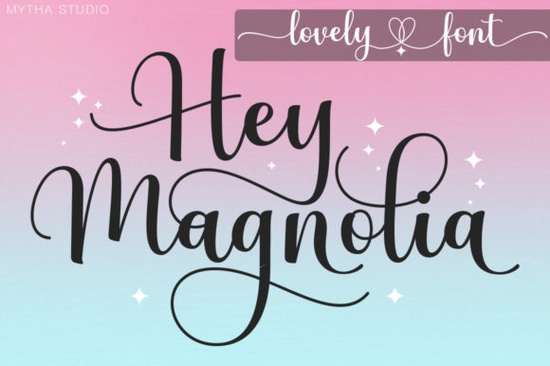
If you're looking for a handwritten font that feels personal but still polished something that works just as well on a wedding invitation as it does on a handmade candle label Hey Magnolia Font is worth your attention. It’s not overly decorative or hard to read, and it avoids the “too perfect” look that some script fonts fall into. Instead, it balances natural flow with clean spacing and subtle variation in stroke weight qualities that make it easy to use across real projects.
What makes Hey Magnolia different from other script fonts?
Unlike many handwritten fonts that rely heavily on exaggerated flourishes or tight letter connections, Hey Magnolia gives you breathing room. Letters connect smoothly but don’t crowd each other, which helps readability especially at smaller sizes or when printed on textured paper. Its PUA encoding means all alternate characters, swashes, and ligatures are accessible directly from your keyboard (no need to dig through glyph panels), making it practical for quick design work in tools like Cricut Design Space, Canva, or Adobe Illustrator.
You’ll also notice its versatility: it pairs well with clean sans-serifs for contrast, or stands confidently on its own for short headlines and quotes. It’s been used successfully by small-batch makers for product tags, by educators for classroom signs, and by print-on-demand sellers for greeting cards and wall art without needing heavy editing or kerning adjustments.
How does it fit into your current workflow?
If you already use Cricut Design Space, you’ll appreciate that Hey Magnolia is included in the CF Class: Introduction to Cricut Design Space. That means you get hands-on guidance on how to install, access swashes, and layer it with other elements no guesswork involved. Even if you’re newer to cutting machines or digital design, this font behaves predictably: no overlapping paths, consistent line thickness, and smooth curves that cut cleanly.
For designers who juggle multiple tools, it’s compatible with both Mac and Windows, and works in most major design software including Silhouette Studio, Procreate (with compatible apps), and even Google Docs (via the “Add Fonts” extension). Just remember to install it system-wide first.
Which fonts pair well with Hey Magnolia?
A soft, friendly script like Hey Magnolia shines when balanced with something grounded. Try pairing it with a simple geometric sans-serif for modern contrast or go warm and relaxed with a rounded typeface for cohesive branding. You might also enjoy exploring other thoughtful script options from Creative Fabrica, like the elegant Sometimes Font, the delicate Aureline Font, or the bold-yet-friendly Sign Rathi Font. Each brings a slightly different energy, so you can match tone to project: Stylish Alphabet Font leans playful, while School Font offers gentle, approachable charm.
Where do people actually use this font?
Real users report success with:
- Handmade soap and candle labels (especially when paired with minimalist icons)
- Wedding stationery menus, place cards, and signage where warmth matters
- Digital planners and printable journals (thanks to its clear lowercase ‘a’, ‘g’, and ‘e’)
- Social media graphics for small businesses that want personality without clutter
- Classroom posters and student name tags that feel inviting, not childish
One thing to keep in mind: while Hey Magnolia includes plenty of stylistic alternates, it’s not meant for long paragraphs. Stick to headlines, short quotes, or single-line emphasis and let it shine where attention is focused.
For reference, you can view the full set on Creative Fabrica here: Hey Magnolia Font.
Before you download check this list
- ✅ Install it first double-click the .OTF file and click “Install” (Mac) or “Install” (Windows).
- ✅ Test swashes early type a word, then open the Glyphs panel (in Illustrator) or Character Map (Windows) to try alternatives.
- ✅ Adjust tracking lightly if letters feel too tight in Cricut Design Space, add 10–20 units of letter spacing.
- ✅ Print a test sheet on your actual paper or cardstock to check how fine strokes hold up.
- ✅ Save a version with outlines especially before sending files to a printer or cutting machine.
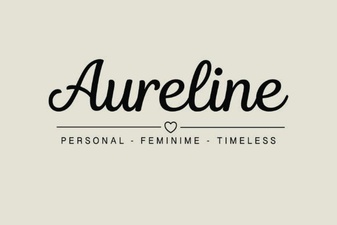 Aureline Font: Design Tips and Creative Applications
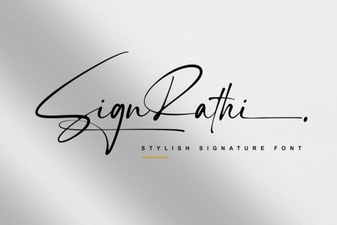 The Art of Elegant Signage with Sign Rathi
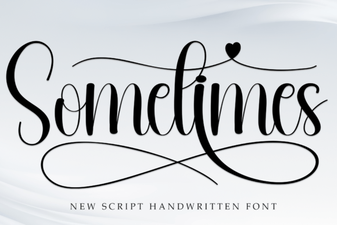 Sometimes Font: Creative Uses for Unexpected Typography
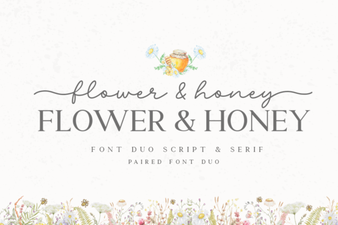 Flower & Honey Fonts for Creative Projects
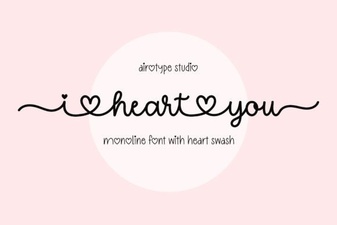 I Heart You Font for Digital Projects & Crafts
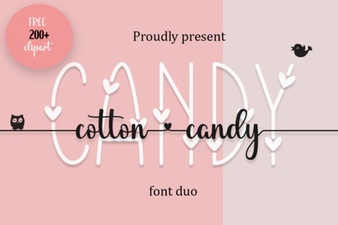 The Joy of Cotton Candy Fonts in Modern Design